Get paid without the chase.
Kuvor is the fit-for-purpose workspace for freelancers and studios to manage clients, send invoices, and get paid.
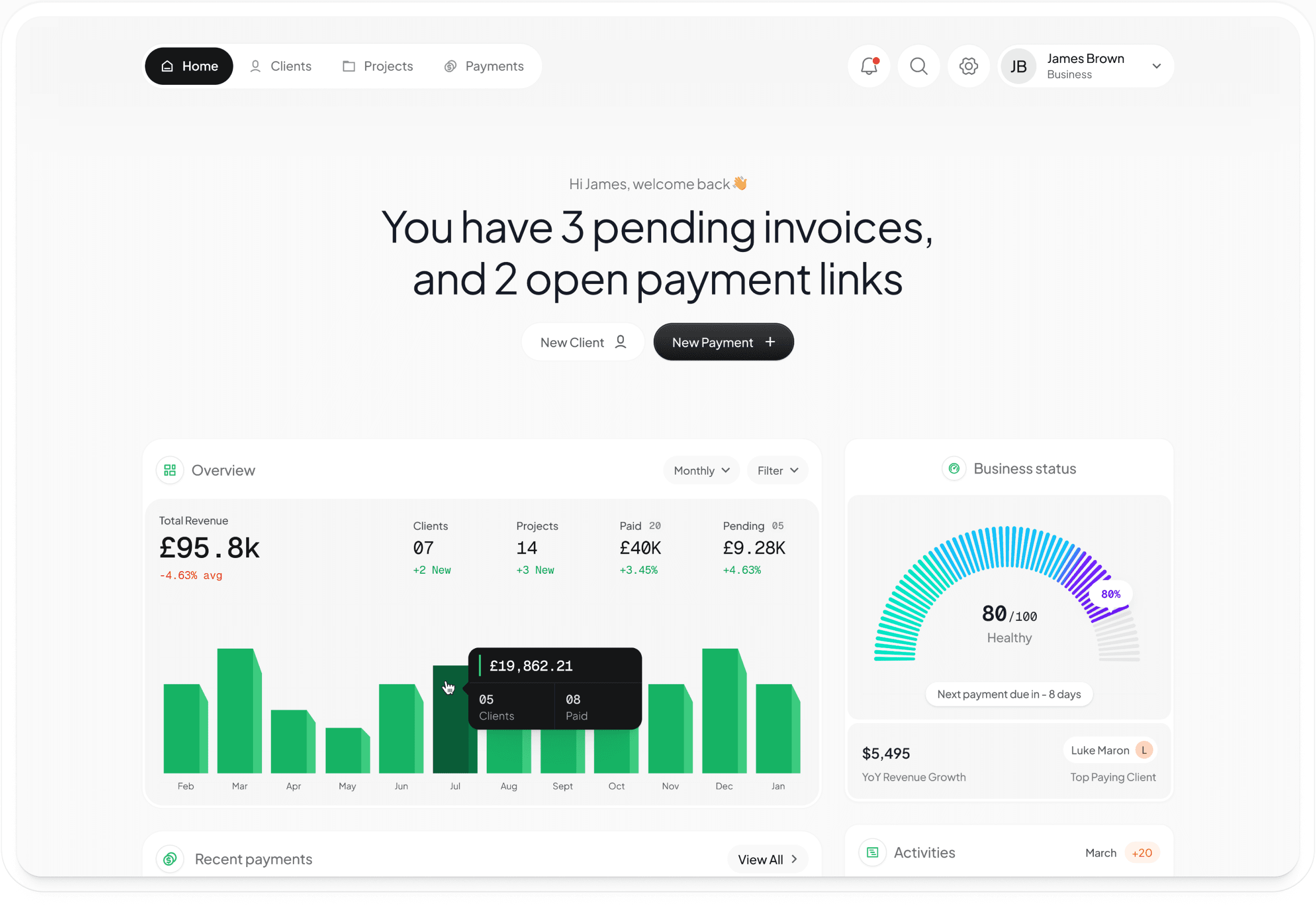
Built in the open — beta 2026
You’ve done the work but,why does getting paid feel like a hurdle?
Scattered invoices
PDFs in email, spreadsheets, random files
Zero visibility
Did they open it? Did they forget? Who knows.
Manual follow-up
Writing the same polite reminder every week
New client
Add your client
Name and email. That's it.
New project
Create a project
Link it to your client. Context for every payment.
Invoice
Draft£2,400.00
Website Redesign
Send an invoice
Detailed invoice or quick link. Client gets a clean page.
Activity
Track & get paid
View tracking. Auto reminders. Payment received.
Made for people who do the work
Send invoices in seconds, let the reminders run themselves, and keep your focus on the work that pays.
Send invoices yourclients actually open.
Branded payment pages with line items, due dates, and a clear pay button. Your client clicks a link — not a PDF — and pays in seconds.
- Itemised line items with descriptions
- Your logo, colors, and brand on every page
- Pay by card or bank transfer
Invoice
Pending£4,800.00
Know exactly whereevery invoice stands.
See the moment your client opens your invoice. If they don't pay, Kuvor sends reminders automatically — polite, well-timed, on your behalf.
Project
PendingActivity Timeline
Invoice sent to Acme Studio
Mar 20, 10:30am
Acme Studio viewed the invoice
Mar 20, 2:15pm
Viewed again
Mar 21, 9:00am
Payment reminder sent
Mar 23, 10:00am
Payment received — £4,800
Mar 24, 11:45am
Built for peoplewho do the work.
Brand designers, web developers, writers, photographers, small studios. People who’d rather spend an hour refining a deliverable than an hour chasing an invoice.
Your client never sees a spreadsheet
They see a branded invoice page with your logo, your accent color, and a single clear button to pay. Card or bank transfer — their choice.
You stop writing follow-up emails
Three reminders send automatically on your behalf: a nudge before the due date, one on the day, one after if needed. Polite, timed, off your plate.
No quotes, time tracking, or accounting
Kuvor does one job — the gap between finished work and received payment. If you need Xero, use Xero. Kuvor stays out of your way.
Everything aroundgetting paid, handled

Quick pay links
Skip the full invoice when you don't need one — share a link, client pays by card in seconds.
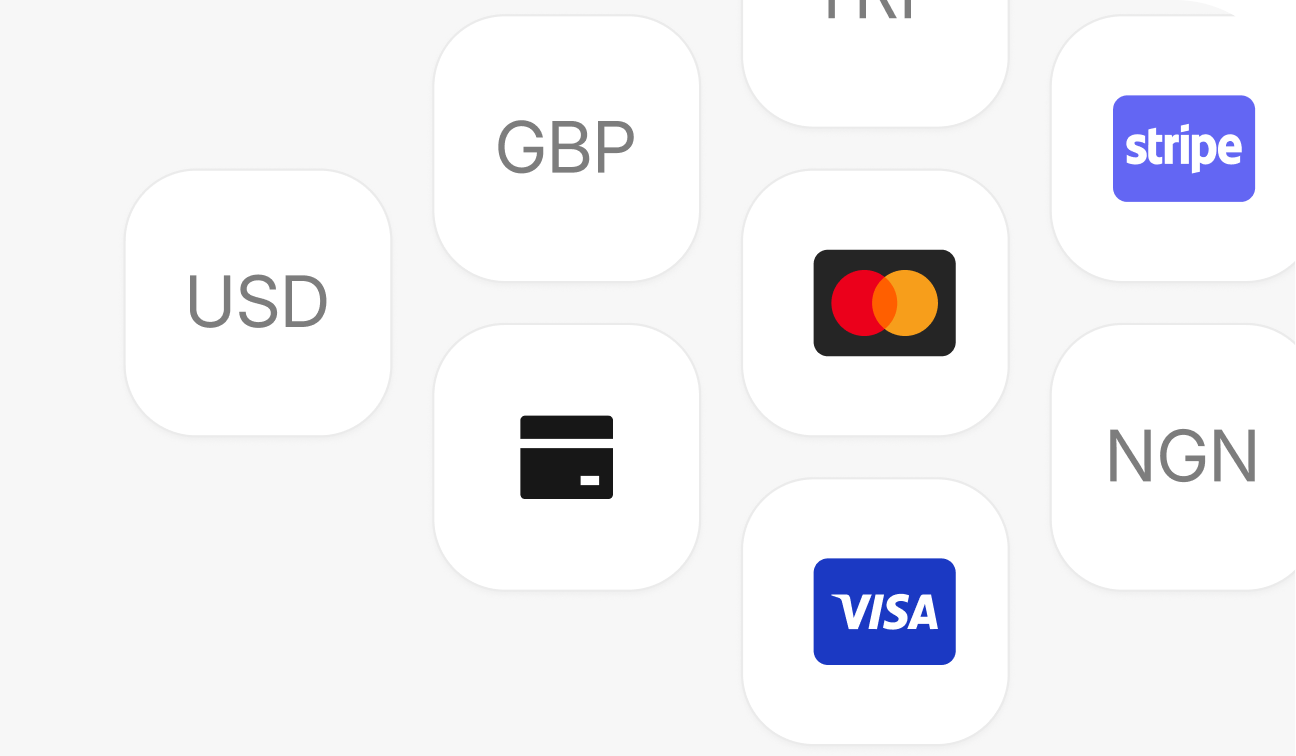
One place for cards & transfers
Stripe for card payments, your bank details for transfers. Clients choose what works.
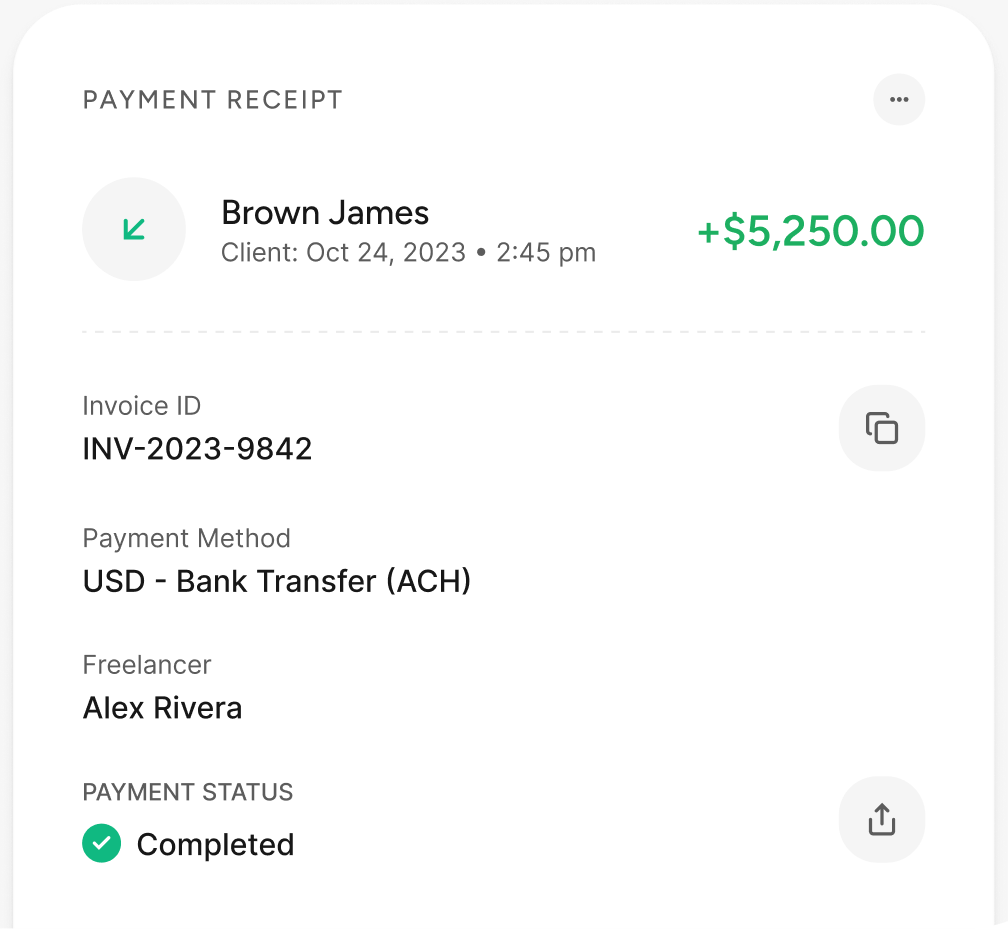
Receipts, automatically
The moment a client pays, a branded receipt is on its way.
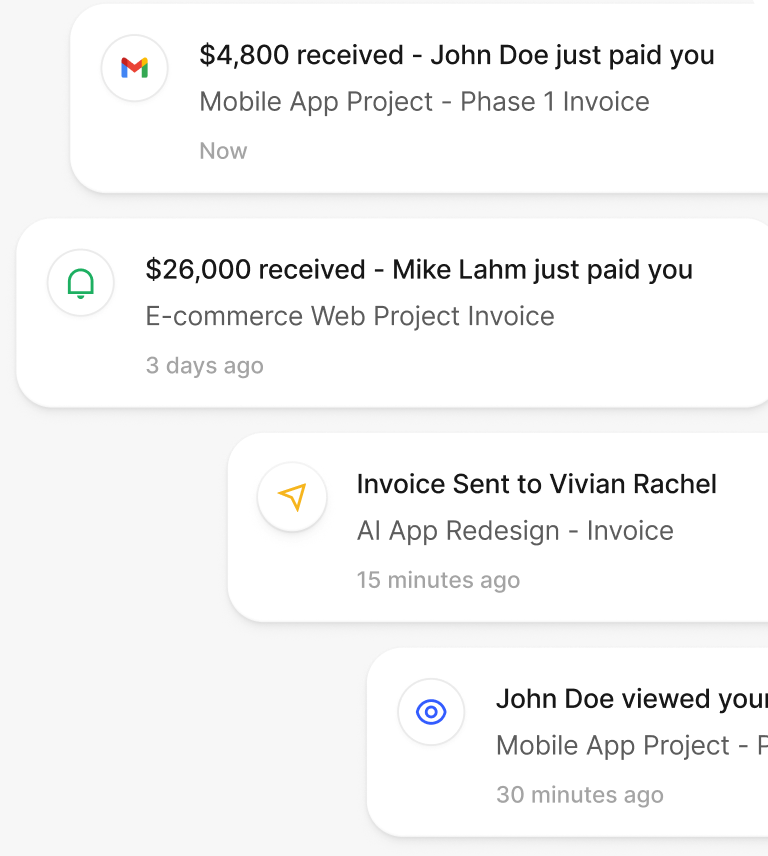
Instant notifications
Get pinged the second money lands. No more refreshing your bank app.
“I stopped writing follow-up emails entirely. Kuvor tells me the second a client opens an invoice, nudges them if they forget, and pings me when the money lands.”
Treasure Isievwore
Brand Designer
One plan, completely free
Every feature is included while we’re in beta. The only cost is the standard Stripe or Paystack fee when a client pays by card.
Full access
FREEEverything included. Card fees only.
$0/month
Get started freeWhat you’ll gain
Everything you need to invoice clients, get paid, and stay on top of it — with nothing held back.
- Unlimited clients & projects
- Unlimited invoices & pay links
- Real-time view tracking
- Automatic reminders & receipts
- Stripe & Paystack card payments
- Custom branding
- Bank transfer support
Frequently asked questions
Short, honest answers to the questions freelancers ask most before they send their first invoice.
How do clients actually pay me?
Your client opens a branded payment page and pays by card — through Stripe or Paystack — or by bank transfer, whichever you enable. No account or app needed on their side.
Do reminders really send themselves?
Yes. Once an invoice is sent, Kuvor sends up to three reminders automatically — a nudge before the due date, one on the day, and one after if it's still unpaid. Polite and timed, without you lifting a finger.
Is it really free during beta?
Yes. Every feature is included free while we're in beta. The only cost is the standard Stripe or Paystack fee when a client chooses to pay by card.
How much are the fees?
Kuvor is free during beta. Card payments carry the standard Stripe or Paystack processing fee; bank transfers have no Kuvor fee.
Is Kuvor an accounting tool?
No. Kuvor handles the gap between finished work and payment received — invoices, reminders, and receipts. If you need full accounting, keep using your tool of choice.
What platforms do you support?
Kuvor works in any modern browser. Card payments run on Stripe and Paystack, and you can add your own bank details for transfers.
Can I export my data?
Your clients, projects, invoices, and payment history belong to you — you can export them whenever you need.
Need guidance?
Kuvor is ready to help when you are.
Save hours every week andstart getting paid today
Two minutes to set up. Free, no hidden fees. Your first invoice can go out tonight.